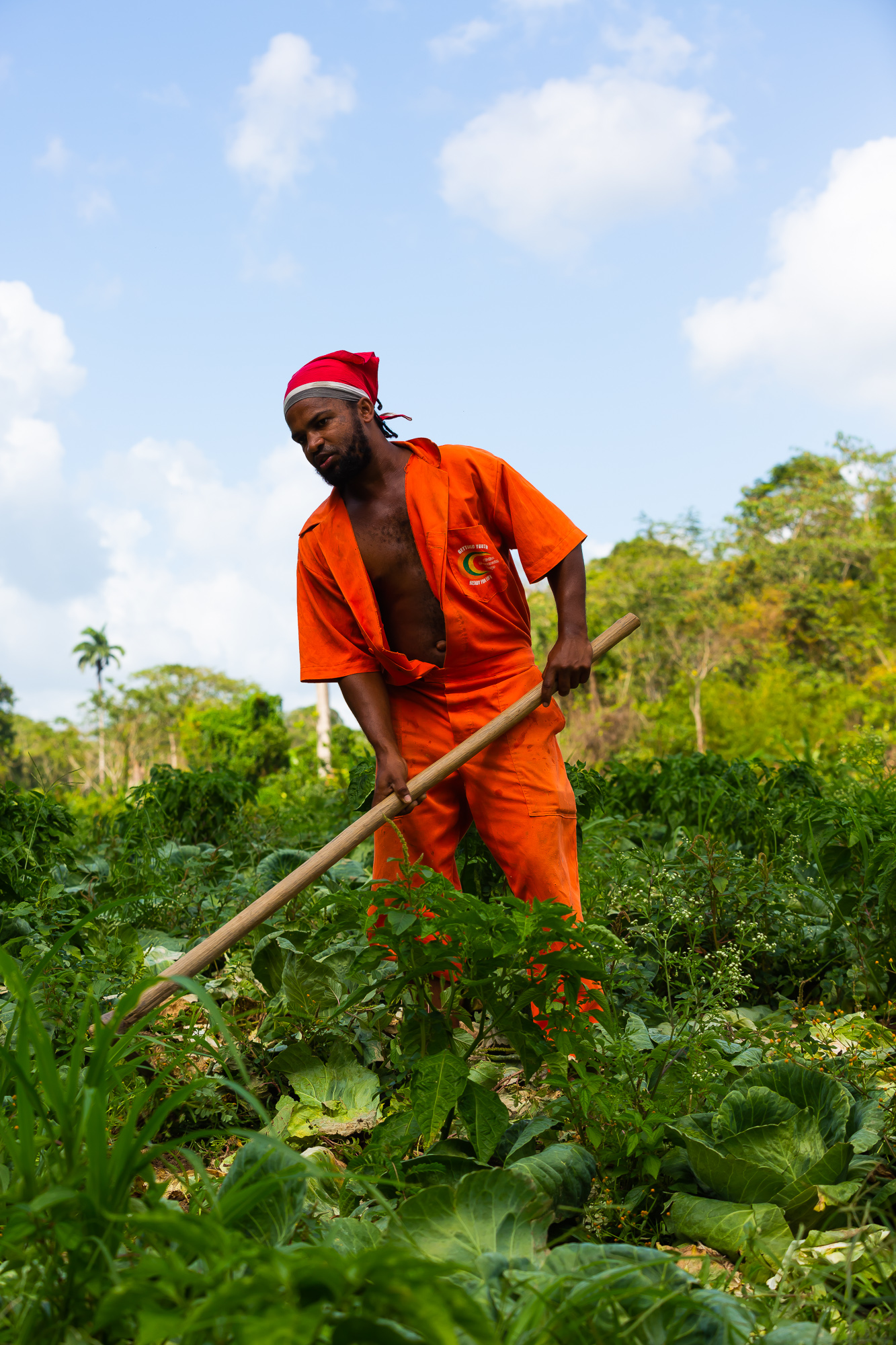
Planning an assignment
For an assignment I begin with the purpose of the publication. A technical manual, a crop profile, a field survey and a promotional feature each need different material. A discussion with the subject specialist establishes what should be recorded, under what conditions, and which details must appear in the finished document.
An agricultural shot list might include the site, the crops at different stages, the equipment, a sequence of work and details of the harvested produce. Where comparisons are needed, I photograph the examples under similar conditions. I try to make both horizontal and vertical compositions and leave room around the subject for page layout.
I record dates, locations, names and other useful information as the work progresses. A detail that is obvious at the time can be surprisingly hard to recover years later. When people, private premises or sensitive natural locations are involved, permission and intended use need to be settled too.
Field work in progress.
| Subject | Photographic record | Supporting information |
|---|---|---|
| Site | Wide, establishing view | Location, date, general setting |
| Crop | Whole plant and detail | Crop name, observed stage, variety if verified |
| Activity | Wide, medium and close views in sequence | Task, step, equipment, specialist's explanation |
| Produce | Whole, cut and detail; scale if needed | Sample, condition and context |
| Publication | Landscape and portrait alternatives | Intended use and caption |
Lightroom Classic: development and organisation
Adobe Lightroom Classic is central to the way I manage photographs. It is both a development environment and a catalogue. A photograph can be processed, rated, described and classified without altering the original camera file; adjustments are applied when a new version is exported, so it is always possible to return to the original.
Development starts with selection: comparing similar frames and keeping the most useful. Then exposure, colour balance, tone, lens corrections and cropping. The amount of processing depends on the intended use. For technical material I want the photograph to keep the features and colour relationships that make it informative.
Lightroom also organises the collection as it grows. Ratings help during selection, keywords find photographs of a subject, titles and captions describe each image, and capture dates, locations and camera settings add context. The archive can be searched by what is pictured, where it was taken, or how.
Two ways of organising the same photographs
I use two complementary structures. The first classifies subjects in a hierarchy, broad categories broken down into smaller groups. The second is a set of photographic stories: photographs that belong together because they illustrate a place, a process or an idea. A photograph can belong to several stories without being copied into several folders.
The classification supports searching and browsing; the stories present selected photographs in context. Both are shown here as they currently stand on this site, generated from the keywords in the Lightroom catalogue.
Subject classification
Story membership
- hot-pepper17
- tomato16
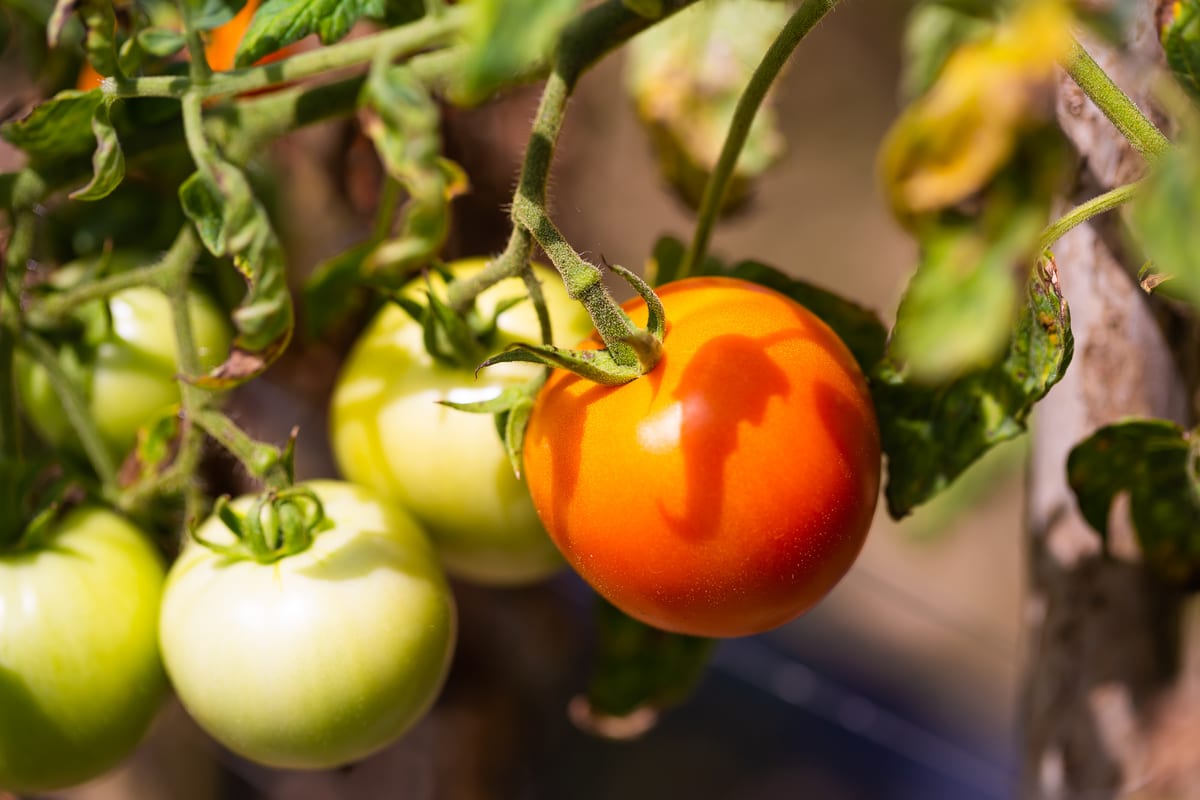
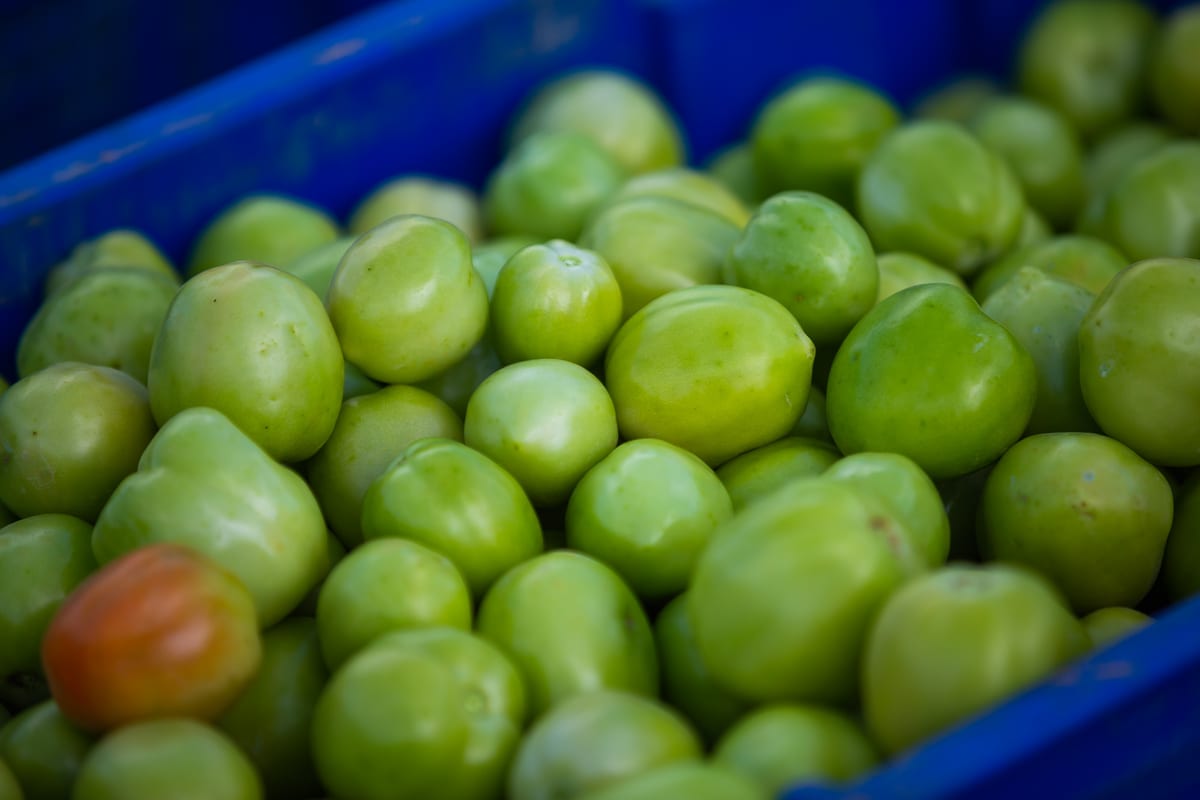
This photograph appears in Agriculture / Crops / Tomatoes, and in the tomato story. It is stored once.
Location
Location is an important part of a nature photograph. It provides a reference for return visits, makes it possible to compare areas, and relates a collection to its environmental or agricultural setting. Much of this archive was geotagged by a GPS unit on the camera.
Not every location should be published. Positions on the Natura atlas are rounded, and photographs of buildings, interiors or sensitive sites have their location removed before publication.
367 photographs are on the atlas: 309 in Trinidad and 58 in Tobago. 65 have no published location. Open the atlas
Export and the Natura publishing process
A photograph in the archive is generally larger than a website needs. Lightroom produces a smaller JPEG with the selected adjustments and the descriptive and technical information required for publication, while the original remains available for print.
Natura is built from the metadata carried in those exported files. ExifTool extracts it into a structured catalogue, from which the site builds its gallery categories, captions, stories and map. Photographs are added and maintained through the photographic workflow, not by editing the website.
Text that belongs to a whole story is kept separately from the individual photographs and linked to them by a shared story name.
- Capture RAW
- Select and develop
- Describe and classify
- Export JPEG
- Index metadata
- Publish
The original file is preserved; published versions and their metadata are generated separately.
From archive to story
The photographs used to describe a subject need not all have been taken on the same day. An archive can be revisited when a new question arises, and photographs made for different reasons can become a useful collection. Dates and locations stay attached to each photograph, so a reader can tell a set of examples from a record of one event.
A story works best when images and text have a clear relationship: an opening photograph establishes the subject, later views add detail or show a process, and short captions say what each image adds. A few different views are generally better than several near-identical ones.
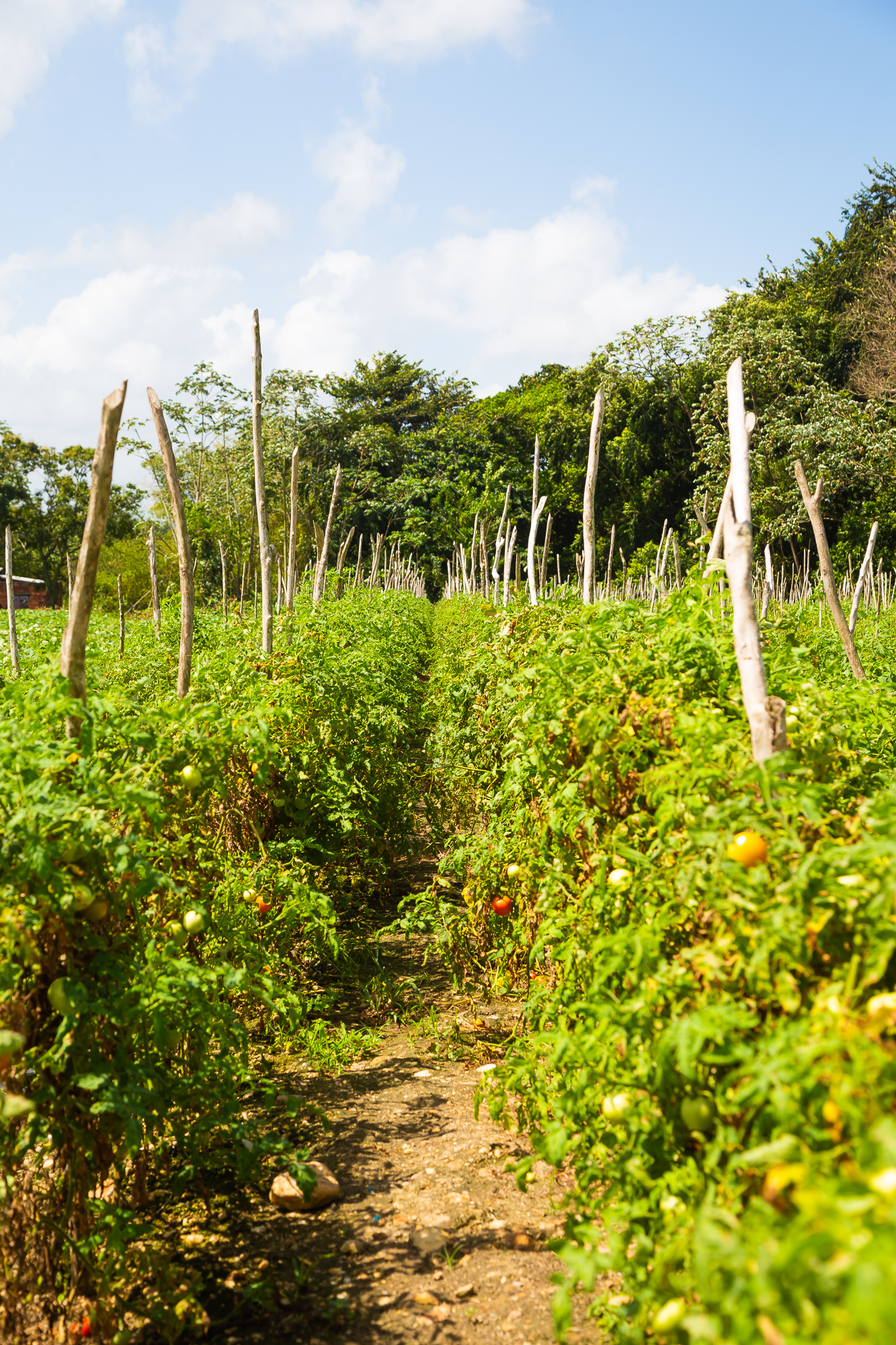
Staked crop rows in a cultivated field.
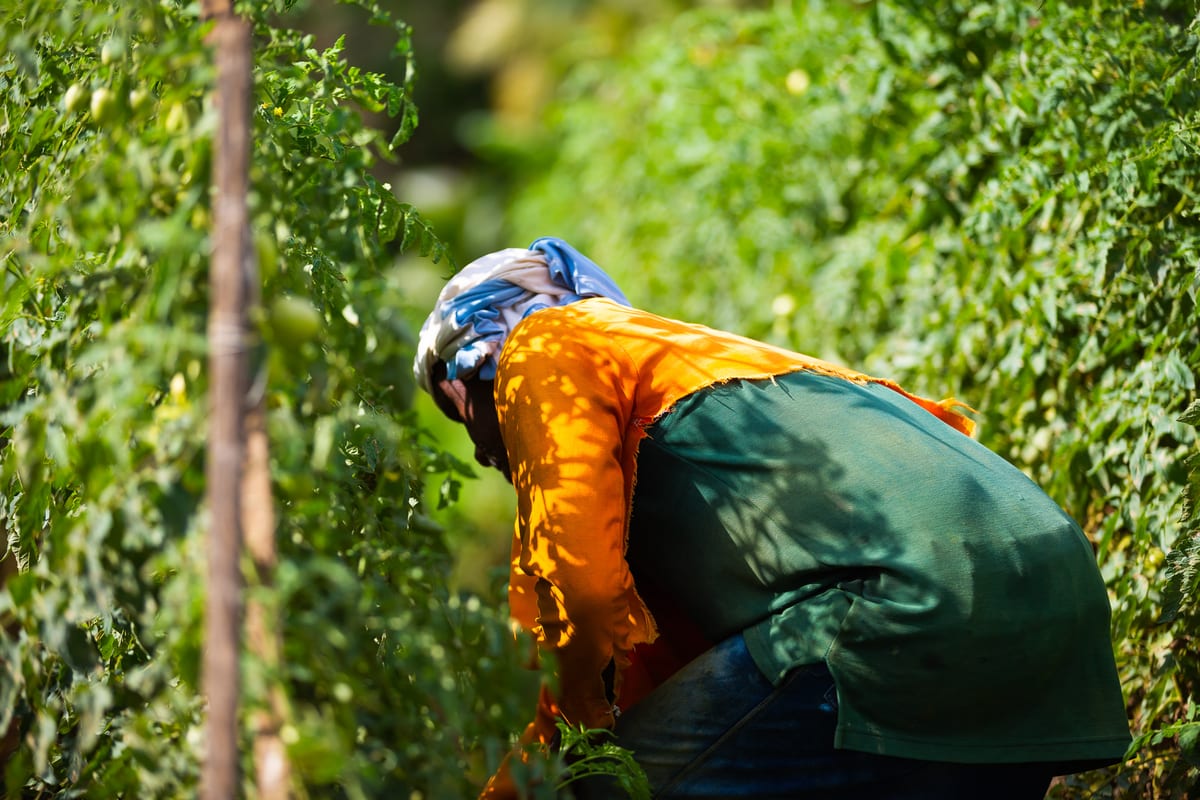
From photograph to document
My interest in technical documentation grew out of work in the energy sector, where a document often had to explain a process, establish a practice or tell people what they needed to know to do their work. The writer worked with the people who understood the subject, organised the material and decided how to present it. Photographs and graphics were part of that work, not additions made afterwards.
The same applies to agricultural and environmental publications. A photograph can show a stage of a process, identify an object or establish the circumstances of an observation. Drawings explain relationships that are hard to see in a photograph; Illustrator's vector graphics stay sharp at any size, and Photoshop handles detailed preparation. I keep an unaltered photographic master and make separate annotated versions, and an altered or composite image is identified as such.
A well-organised collection can become an illustrated factsheet, a technical manual, a field-guide entry or a web article with maps and data. The quality of the result depends as much on the organisation of the information as on the photography.
| Format | Example subject |
|---|---|
| Illustrated field guide | Flower structure, from the water-lily sequence |
| Technical factsheet | Tomato appearance and handling |
| Process diagram | Irrigation in a cultivated field |
Images as structured information
An archive becomes far more useful when its material is consistently described. A filename says little; the accompanying information identifies the subject, place, date, photographer and conditions. Standard photographic metadata carries much of that information with the file itself.
The approach is familiar from enterprise content and data management: a common vocabulary, consistent identifiers and a record of where each item came from. In a large collection these matter as much as the folders the files are stored in.
Different kinds of information have to stay distinguishable. An archival photograph records an observed scene; published research comes from an identified source; a simulation describes a hypothetical situation. A photograph beside a model does not make the model's numbers an observation of the place pictured. The card here shows the actual record for one photograph on this site.
- Title
- Not yet titled
- Taken
- 26 February 2013
- Camera
- Canon EOS 5D Mark III
- Lens
- EF100mm f/2.8L Macro IS USM
- Exposure
- 100 mm, f/3.5, 1/1250 s, ISO 100
- Subject
- Agriculture / Crops / Tomatoes
- Story
- Tomato, harvest and handling
- Location
- Trinidad, rounded to about 100 m